Every till, every shelf, every branch. One system.
Stop running the business from memory, notebooks and group chats. See what sold, what is left and who owes you.
Ready to sign up? Register your business
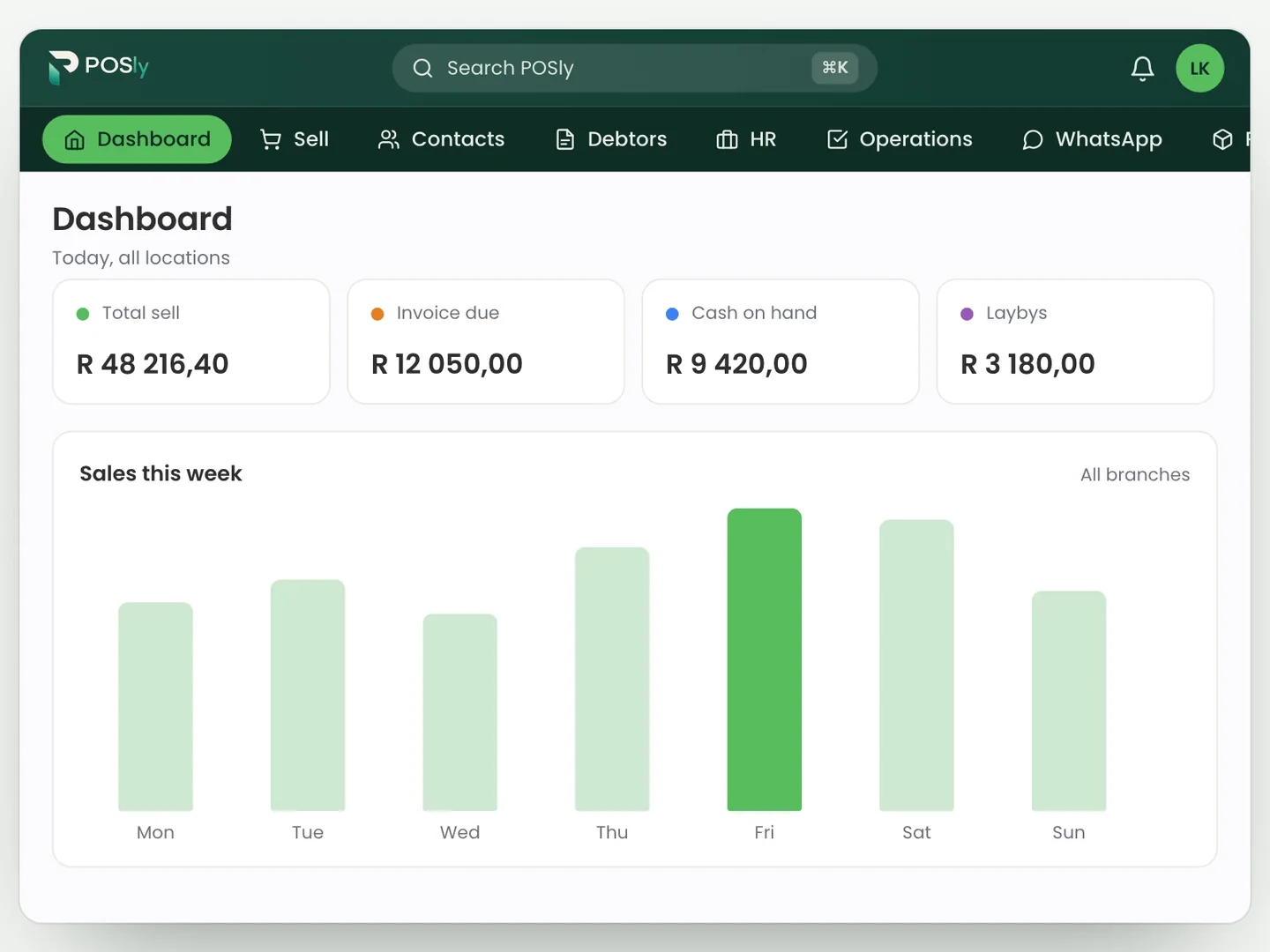
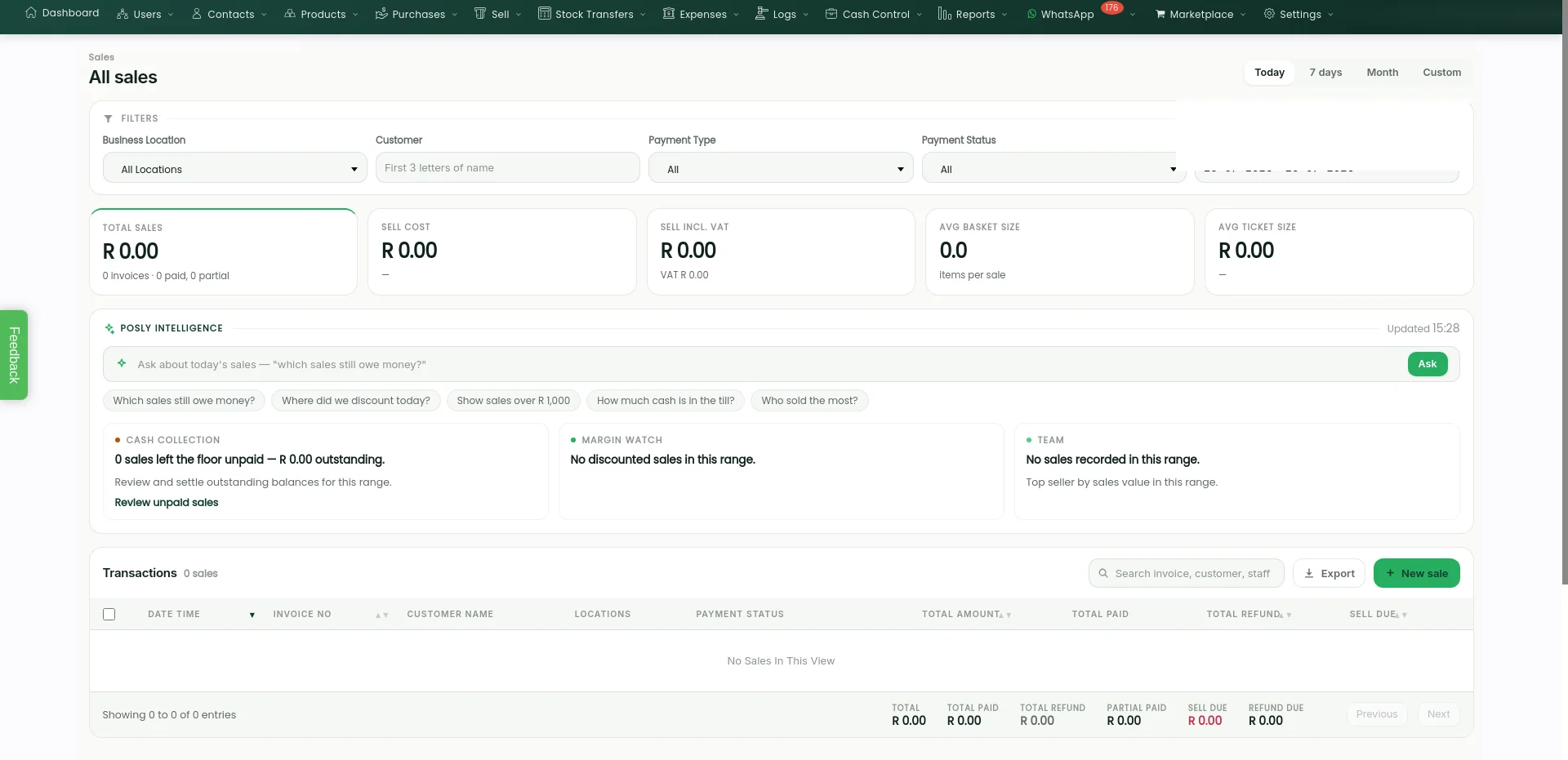
The POSly back office, with example data.
Sound familiar?
Pick the one that keeps you up at night. Here's what changes with POSly.
Example data.
Shops, chains and wholesalers with counter sales
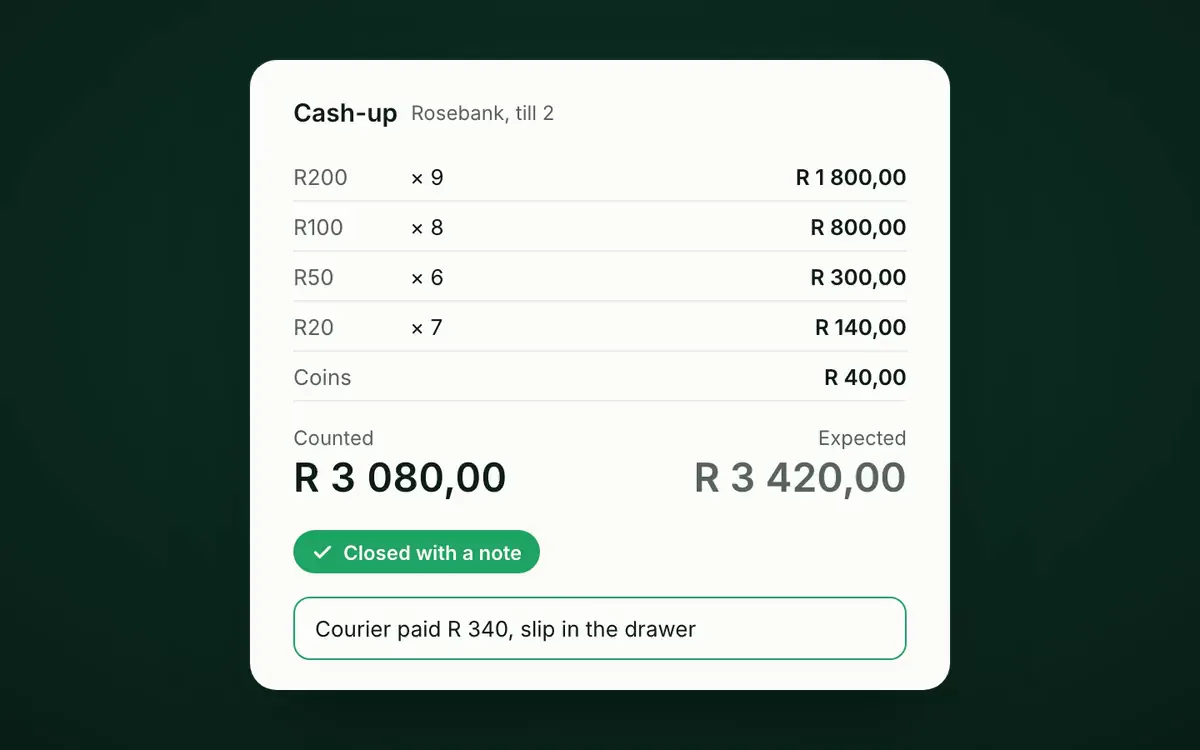
Every rand in the drawer, explained.
- Count by denomination
- A note on every difference
- Manager PIN on voids
Example data.
Owners and buyers in retail and wholesale
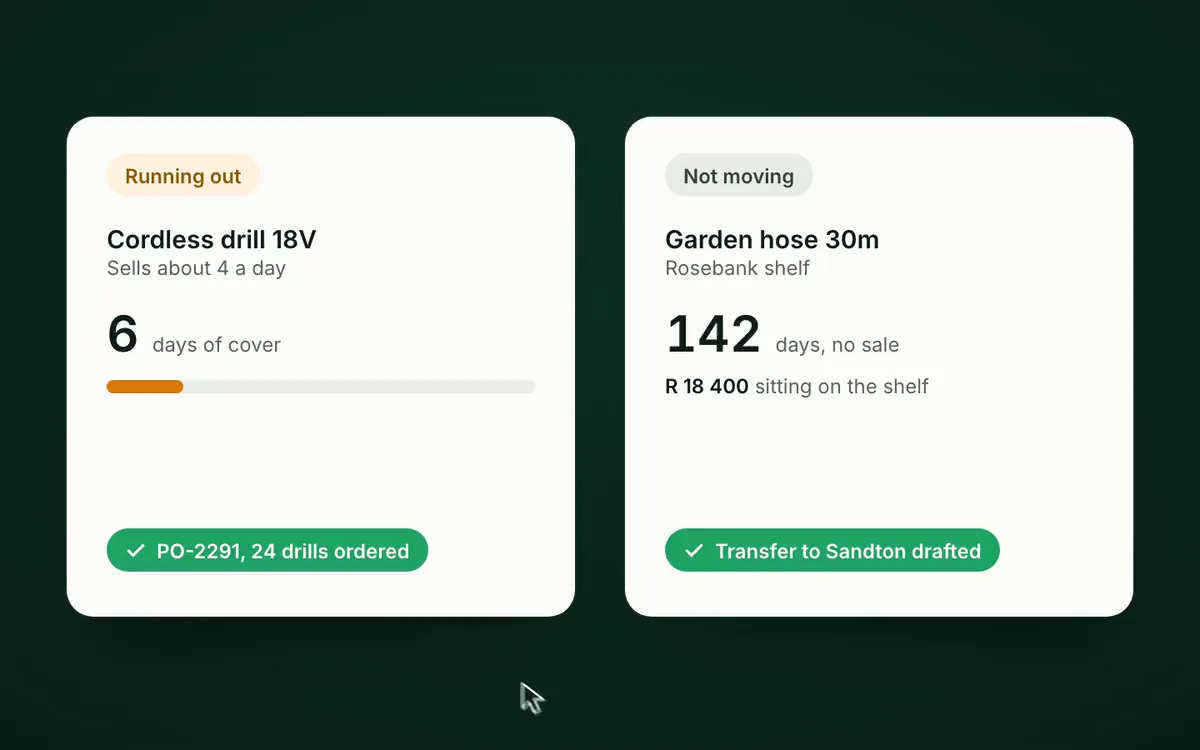
Buy what sells. Spot what's stuck.
- Days of cover per product
- Suggested orders you approve
- Slow stock flagged by age
Example data.
Chains, franchises and businesses with a warehouse
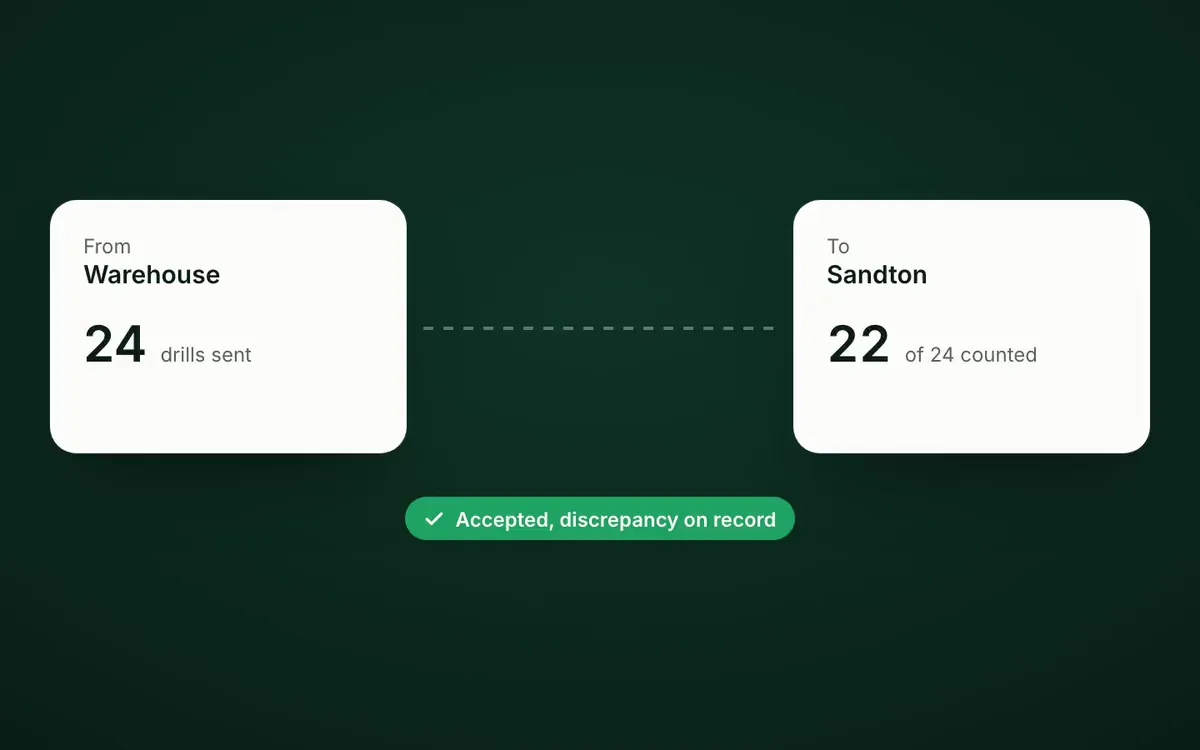
Nothing goes missing quietly.
- Transfers wait to be accepted
- Short counts logged
- Every branch on one screen
Example data.
Wholesalers and suppliers who sell on account
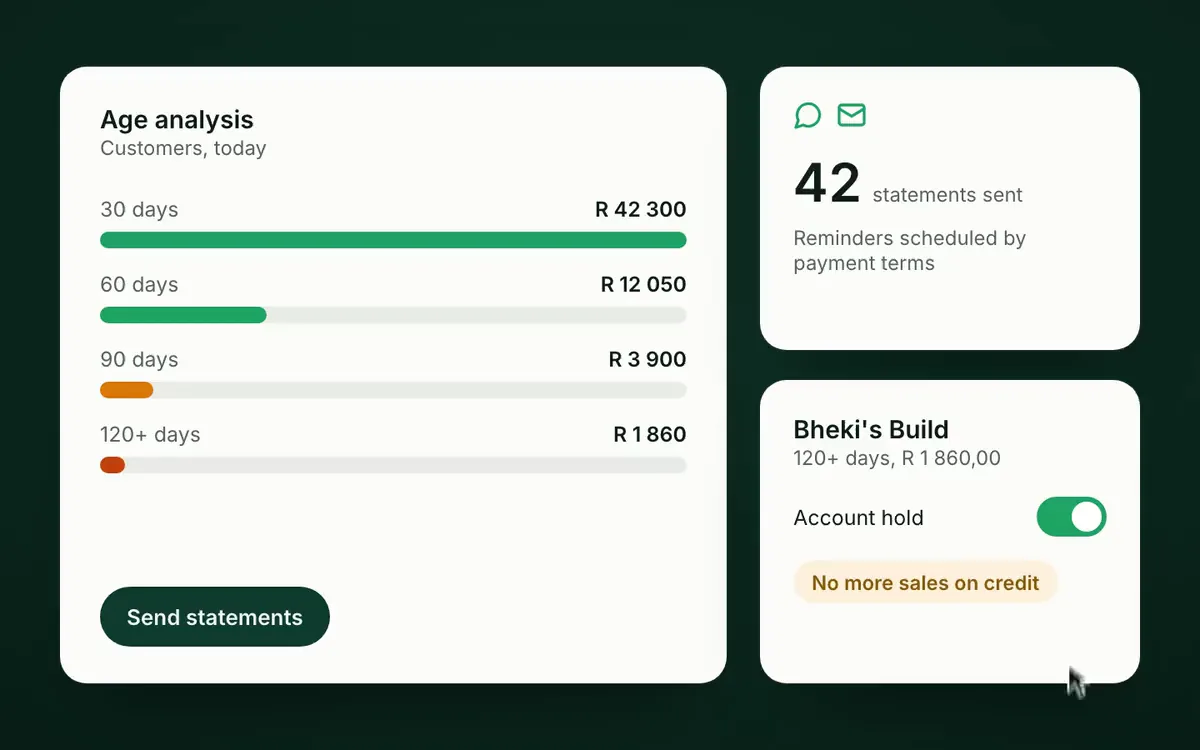
Statements out. Money in.
- Statements by WhatsApp or email
- Reminders on your terms
- Holds on late accounts
Example data.
Retailers who want repeat customers
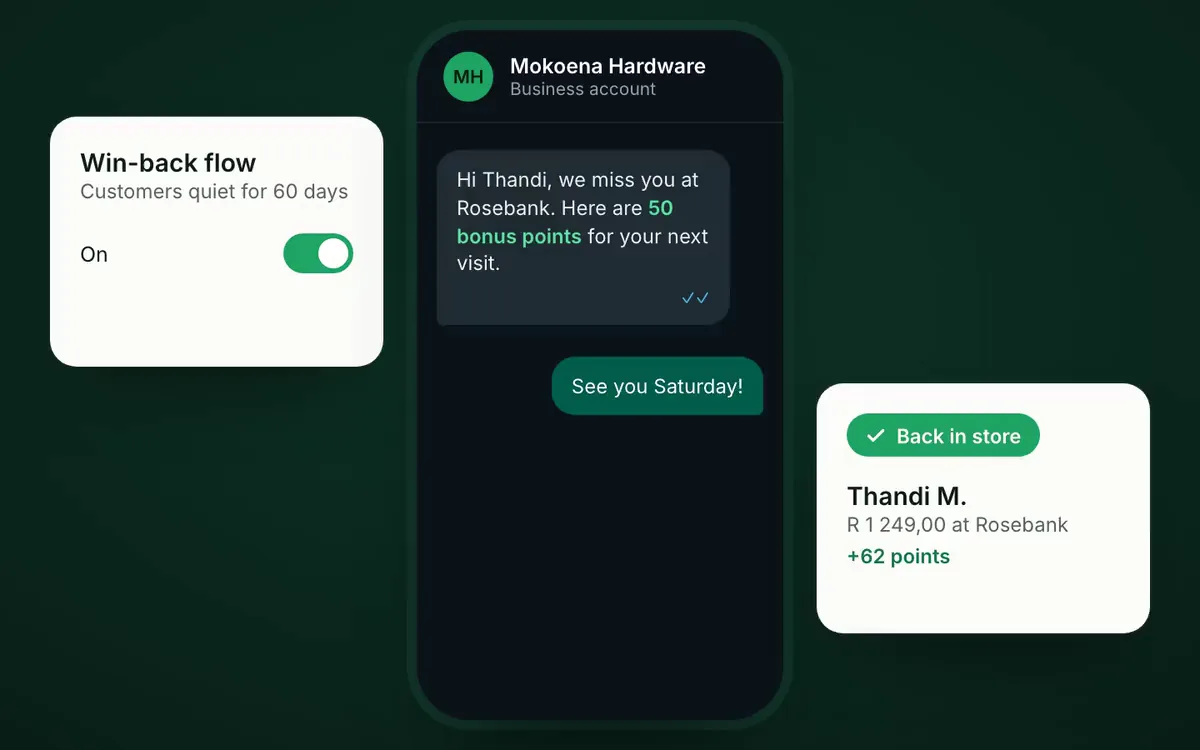
Quiet customers, brought back.
- Win-back messages
- Points on their phone number
- Birthday and layby nudges
Example data.
Retailers selling on WooCommerce or Takealot
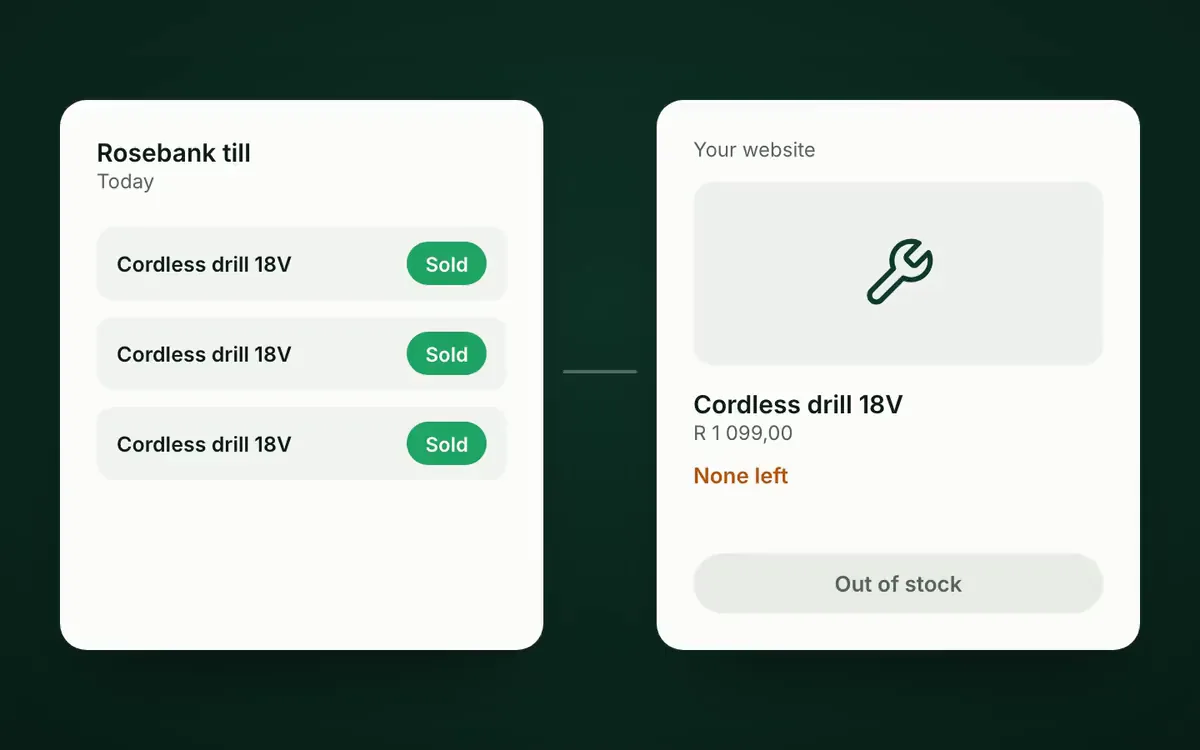
One stock count, everywhere you sell.
- WooCommerce stock from POSly
- Reserved at checkout
- Takealot stock in step
Example data.
Repair shops and workshops
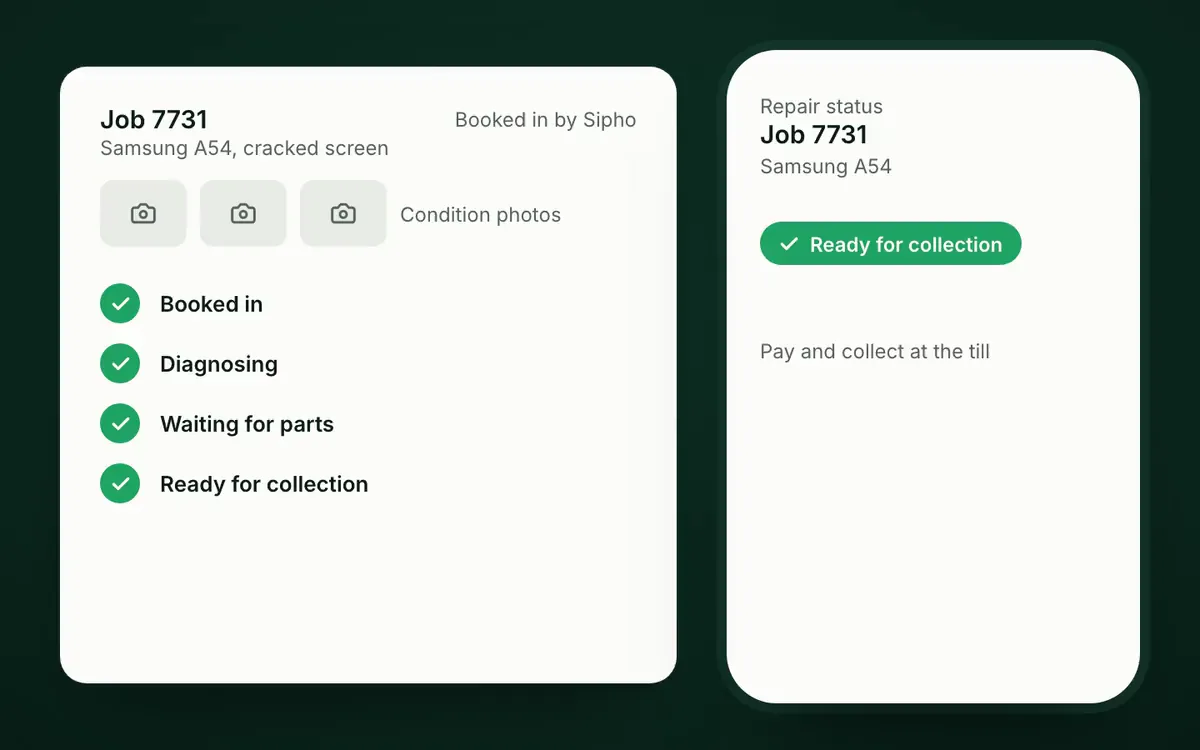
They check online. They don't phone.
- Status page for customers
- Photos at booking-in
- Your own job statuses
Example data.
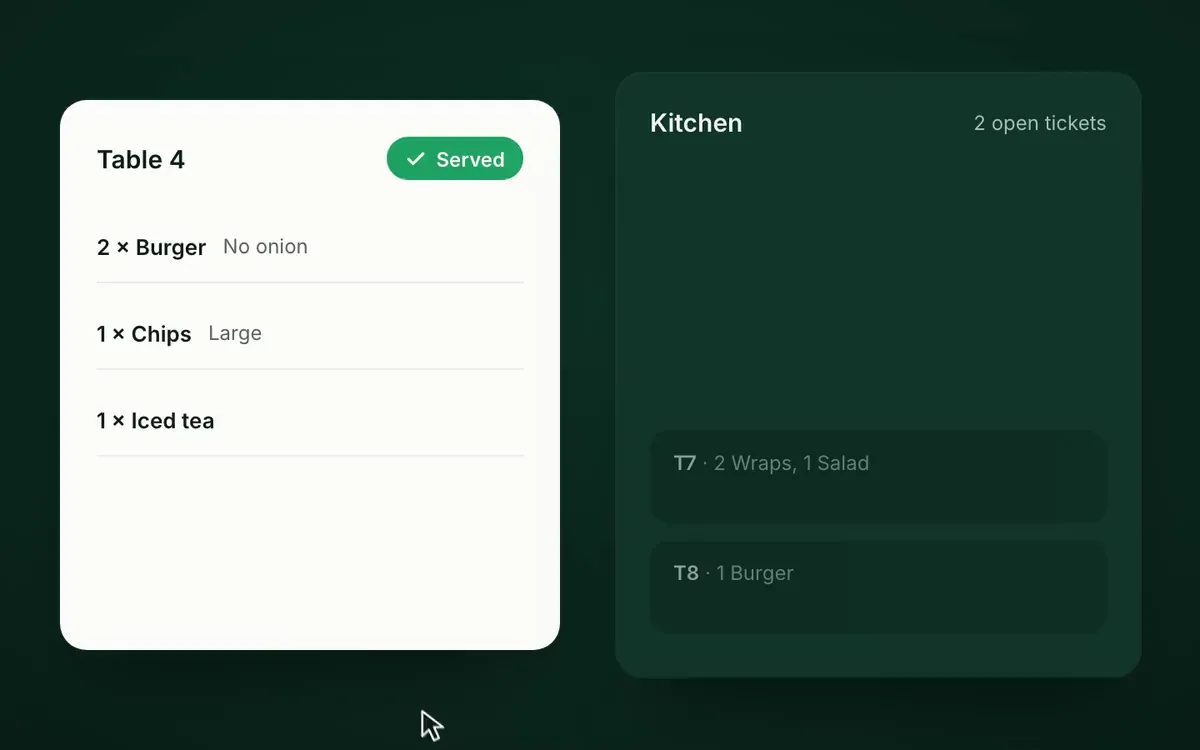
Restaurants, takeaways and coffee shops
Every ticket, table to kitchen to served.
- Kitchen screen
- Priced modifiers
- Served status per table
Showing: Serve customers and close the till properly
Watch one sale move through your business.
Most shops type the same sale into three places. In POSly it happens once, and everything else follows.
At the till
A customer pays at your Rosebank till.
The cashier scans two items and takes a card. VAT is worked out on the slip, and the sale is on record the moment it is paid.
Rosebank, till 2
Cashier: Sipho
- 1 x Cordless drill 18VR 1 099,00
- 1 x Drill bit set, 10 pieceR 150,00
- VAT at 15%, included
- R 162,91
- Total
- R 1 249,00
On the shelf
Stock drops at that branch. Instantly.
Rosebank goes from 11 drills to 10. Every other branch and the warehouse still show their own count, and low stock shows on the alert list.
Cordless drill 18V
Stock by location
- Rosebank1110
- Sandton4
- Menlyn7
- Warehouse38
With the customer
The slip arrives on WhatsApp.
No paper slip to lose. On the newer till the receipt goes out as a PDF on WhatsApp, and the customer's loyalty points sit on their number.
Hi Thandi, thanks for shopping at Rosebank. Your slip for R 1 249,00 is attached.
Thank you!
With you
You see it from anywhere.
Every branch, every till, today. Without phoning anyone, and without waiting for month-end.
Today, all locations
R 48 216,40
- RosebankR 18 420,50
- SandtonR 12 087,00
- MenlynR 9 311,90
- Online storeR 8 397,00
Cash-ups: Sandton and Menlyn closed and balanced. Rosebank still trading.
One sale, captured once. No retyping into a stock sheet, no “let me check and call you back”.Scenes use example data from a fictional hardware store.
Back to the start of the filmBuilt here, for here
Built for how South Africa actually trades.
Laybys, 15% VAT, trade accounts, WhatsApp and Takealot are the spec, not an afterthought.
Laybys without the notebook.
Deposits, minimum payments, instalments and per-item refunds, all on the till and all in your stock figures.
- Total
- R 1 899,00
- Paid
- R 800,00
- Balance
- R 1 099,00
- Deposit: paid
- Week 2: paid
- Week 4: paid
- Not yet paid
- Not yet paid
- Not yet paid
15% VAT on every slip.
Inclusive or exclusive pricing, VAT-ready tax invoices and a tax report for your returns.
Trade accounts that pay on time.
Statements and reminders by email or WhatsApp, age analysis and account holds.
Example age analysis
- Current
- R 42 300
- 30 days
- R 12 050
- 60 days
- R 3 900
- 90+
- R 1 250
WhatsApp, not paper.
Campaigns, a shared inbox, and receipts, statements and reminders where switched on, from your own business number.
Card machines that talk to the till.
FNB card machines through Transaction Junction, set up per till. No retyped amounts.
Takealot, marketplaces and your website.
Takealot listings and stock today; Amazon.co.za, Makro, Loot and Leroy Merlin are planned.
WooCommerce stock, customers and website sales.
Load-shedding? Here's the honest answer.
POSly needs internet today, so keep your router and till on a UPS. If the line drops mid-sale, the newer till keeps the cart and a retry never charges twice. A desktop till app that keeps trading offline is in development.
- Cart kept when the line dropsLive
- No duplicate sale on retryLive
- Trade with no internet at allComing soon
Ask your business a question.
Posly Intelligence answers in plain words from your own sales and debtors. No report building, no spreadsheet.
Answers start with your POSly data. Where external AI is configured, contact names and business summaries may be sent to the provider.
How Posly Intelligence worksWhich sales still owe money?
Sales list3 sales this week have a balance due.
- Invoice 10482, Bheki's BuildDue 5 days agoR 4 380,00
- Layby 10457, Lerato K.R 1 099,00
- Invoice 10431, Cape Site SuppliesR 612,50
Which sales still owe money? 3 sales this week have a balance due.
Example data. Posly Intelligence is switched on per business.
Made for the way you trade.
One till or thirty branches, counter sales or trade accounts. Find your business.

Retail chains
Run 3 stores or 30 from one head office view.
- Stock goes missing between branches. Transfers wait in the IBT Waiting Room until the receiving branch accepts them with quantities checked.
- Every branch does things its own way. The Operations Playbook schedules the same checklists and audits in every store, with photo evidence.
- Branch cash is an honesty system. Variance cash-ups and cash deposits that head office approves or rejects.
Independent shops
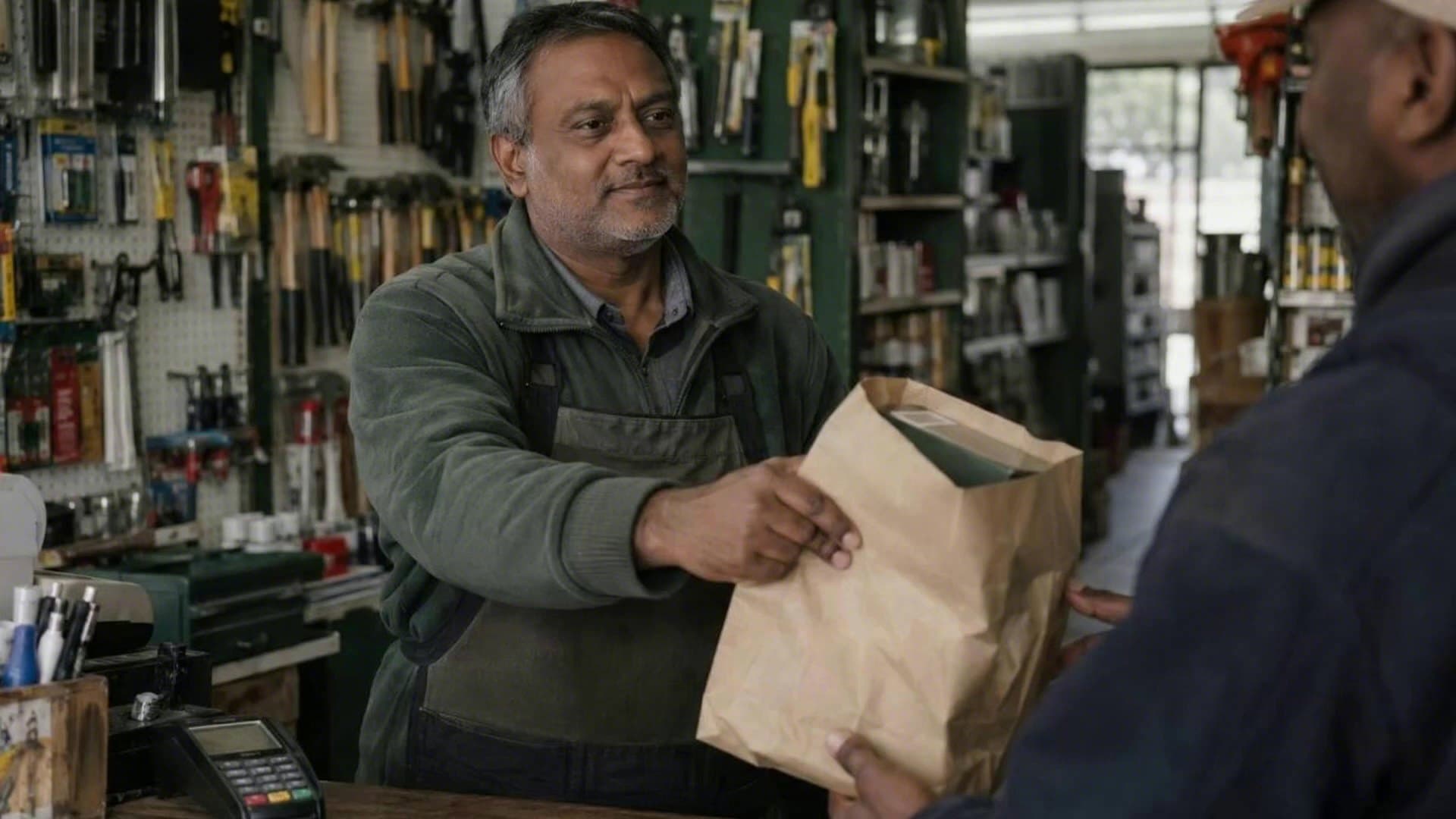
Big-retailer control without the head-office payroll.
- I'm doing admin at 11pm. Reports, reorder suggestions and statements are ready when you open the laptop, not built by hand.
- I buy on gut feel. Reorder suggestions from your sales and supplier lead times, and a view of what's been sitting too long.
- Customers don't come back. Loyalty on the customer's phone number and, where switched on, automatic WhatsApp nudges for lapsed customers.

Wholesale
Sell on account. Get paid on time.
- Statements go out late, so money comes in late. Statements scheduled monthly by email or WhatsApp, with automatic payment reminders.
- We keep supplying customers who owe us. Full or partial account holds, with laybys and discounts blocked while on hold.
- Payments land against the wrong invoice. Oldest-first allocation, account credit and disputed invoices held aside.

Online sellers
One stock file behind every place you sell.
- The website oversells. Stock is reserved at checkout and taken from the right store when the order is finalised.
- Takealot loadsheets eat a whole day. The upload wizard builds and validates the file from your POSly products.
- Online customers are strangers in store. Customer records are matched across channels and loyalty points can be shared.
Restaurants
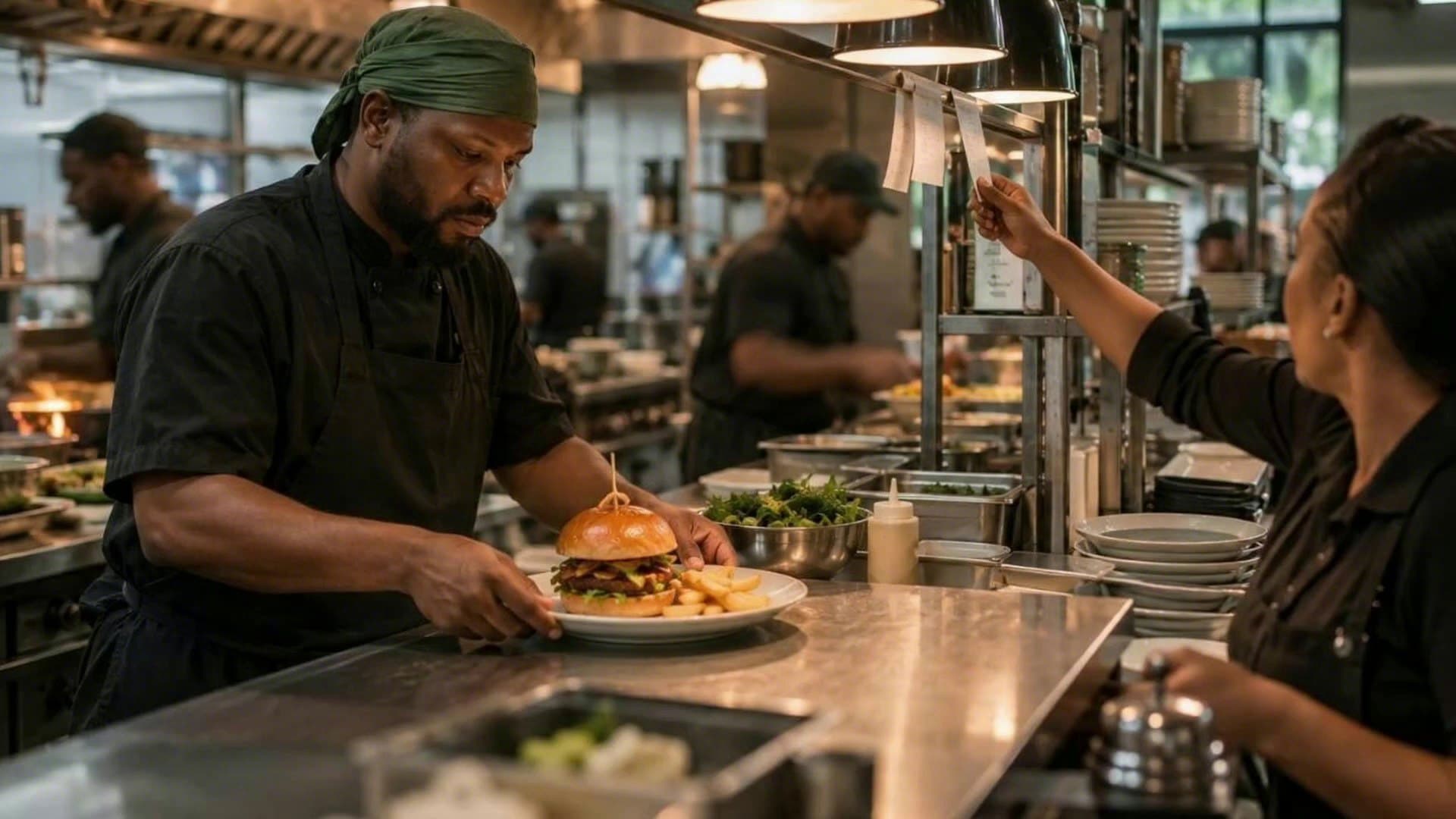
Tables, bookings and the kitchen in one service flow.
- Tickets go missing. Orders go to the kitchen screen, where items are marked cooked and then served.
- Special requests get lost. Priced modifiers travel with the order to the kitchen.
- Bookings live in a notebook. Bookings and today's reservations sit next to the table view.

Repair shops
Every job tracked from booking-in to hand-back.
- The phone never stops. Customer status lookup lets people check their repair online.
- Condition disputes at collection. Per-model checklists and photos at booking-in.
- No idea who delivers. Technician, repair sales and service reports.
Everything the business runs on. One login.
Every module works from one set of records, so nothing is typed twice between the till, the stock, the books and WhatsApp. Follow one rand through the business.
- 1
Buy
A reorder suggestion becomes a purchase order. Goods-in counts what arrived, and the supplier's account updates.
- 2
Stock
One stock file behind every branch, your website and Takealot, with more marketplaces planned.
- 3
Sell
Every sale takes stock off the shelf and lands in the cash-up, from the counter, the kitchen or the workshop.
- Point of SaleA fast till staff can't get wrong
- Payments & Cash-UpsNewCard machines, tenders and honest cash-ups
- Security & AuditTrust your people. Verify everything.
- Made-to-OrderDeposit to delivery, stage by stage
- RestaurantTable to kitchen to till
- RepairsEvery job, booking-in to hand-back
- Offline TillComing soonKeep trading when the line drops
- 4
Get paid
Sales on account build the age analysis, statements go out on WhatsApp, and late accounts go on hold.
- 5
Bring them back
The sale lands on the customer's record and earns points, and win-back messages can bring them in again.
- 6
See it all
Sales, stock and staff roll up into reports, and the reports suggest the next purchase order. Overdue checklists escalate on WhatsApp.
Some areas are switched on per business. Each page says what is live.
A whole day, in fourteen seconds.
The till, the card machine, the WhatsApp slip, the stock count, the cash-up and the statement run. One system, no cuts.
Example data. Some tools are switched on per business.
Switching
Moving to POSly, step by step.
You don't have to rebuild your product list by hand or close the shop to learn a new system.
- 1
Show us how you trade
Book a demo and bring a product file. We show you POSly with your own products, not a canned database.
- 2
Get a quote that fits
Priced on your stores and locations, terminals, current modules needed, configured integrations, and onboarding and data-import requirements.
- 3
We bring your data across
Products, costs, opening stock, customers and suppliers are imported from your files.
- 4
Your team starts selling
Staff get the roles and branches they need, and you switch on more as the business grows.
Questions owners ask.
See every questionWhat is POSly?
POSly is a point of sale and business management system built in South Africa for retailers, chains, wholesalers, restaurants and repair shops. It runs the till, stock, purchasing, branches, customers, laybys, WhatsApp messaging, debtors and reports in one system.
Does POSly work during load-shedding?
POSly needs an internet connection today, so most shops keep the router and till on a UPS or inverter. The newer till keeps the cart safe if the line drops and never creates a duplicate sale on retry. A desktop till app that keeps trading without internet is in development.
What hardware do I need?
A computer, laptop or tablet with a modern browser. POSly works with receipt printers, barcode scanners and label printing, and can integrate with FNB card machines through Transaction Junction, set up per till. We confirm your hardware during the demo.
How much does POSly cost?
POSly is priced on a quote, based on your stores and locations, terminals, the modules you need, any integrations, and onboarding and data import. Book a demo and we will scope it with you.
Can I bring my products and customers from my old system?
Yes. Products, costs, opening stock, customers and suppliers can be imported from CSV files. Bring a product file to the demo and we will show you your own products in POSly.
Does POSly connect to Takealot and WooCommerce?
Yes. POSly prepares Takealot loadsheets, maps categories and keeps Takealot stock in step, and connects to WooCommerce for products, stock, customers and web orders. Importing sales orders from Takealot is planned on the roadmap.


See POSly running with your own products.
Bring a product file to the demo. We'll load it and show you your own shop in POSly, not a canned demo.
Ready to sign up? Register your business